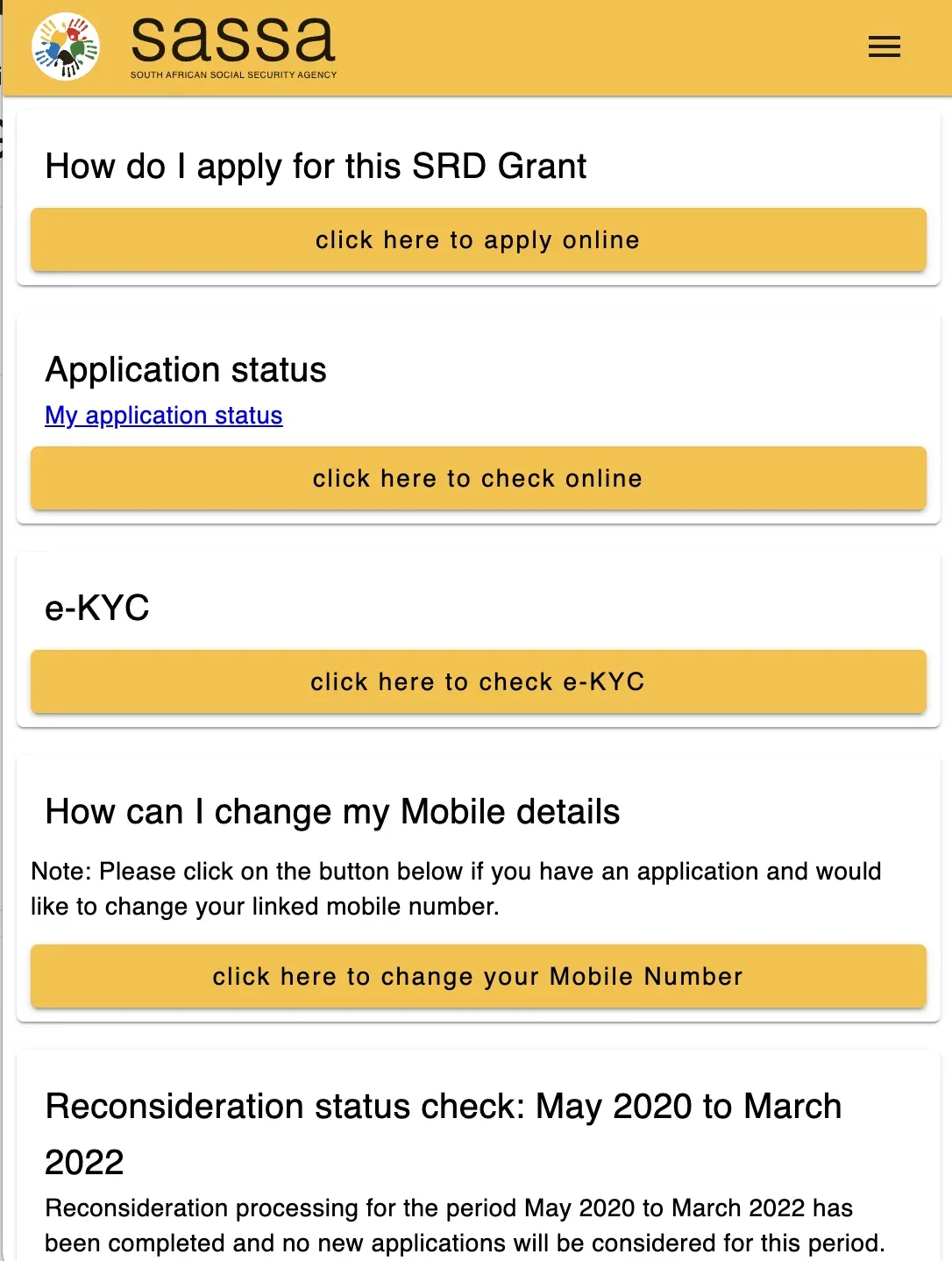
What Is SASSA Status Check?
A SASSA status check is the way you find out what SASSA has decided about your grant application or payment. For the SRD grant, SASSA assesses every applicant every month, so the status check shows a separate result for each month you applied for. For permanent grants, it tells you whether your application is still being processed, approved or declined.
Your status tells you three things:
- Whether you qualify for that month (approved, declined or pending).
- When you will be paid, if a pay date has been set.
- What to do next, such as completing verification or requesting a reconsideration.
SASSA never charges a fee to check your status. Any website or person asking for money to check it is not SASSA. See our guide to SASSA scams.
How to Check SASSA Status Online in 2026
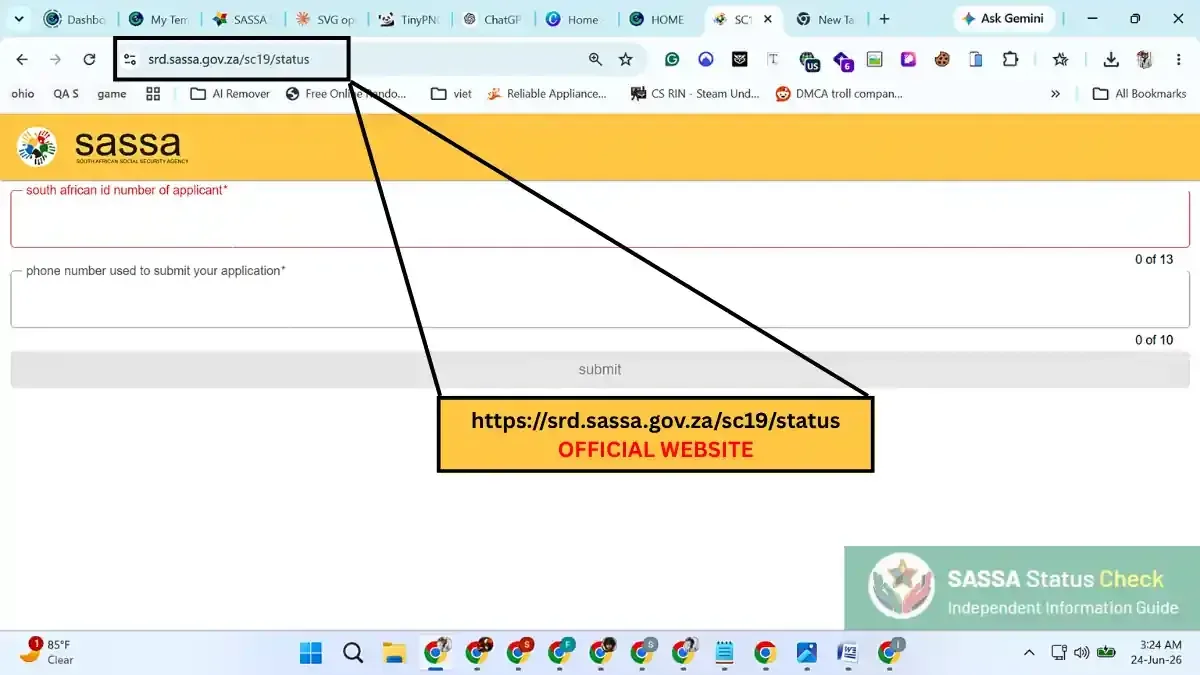
The official place to check your SRD status online is the SRD website.
- Open your browser and type srd.sassa.gov.za yourself. Do not follow links from strangers. SASSA has warned about look-alike sites.
- Find the application status option.
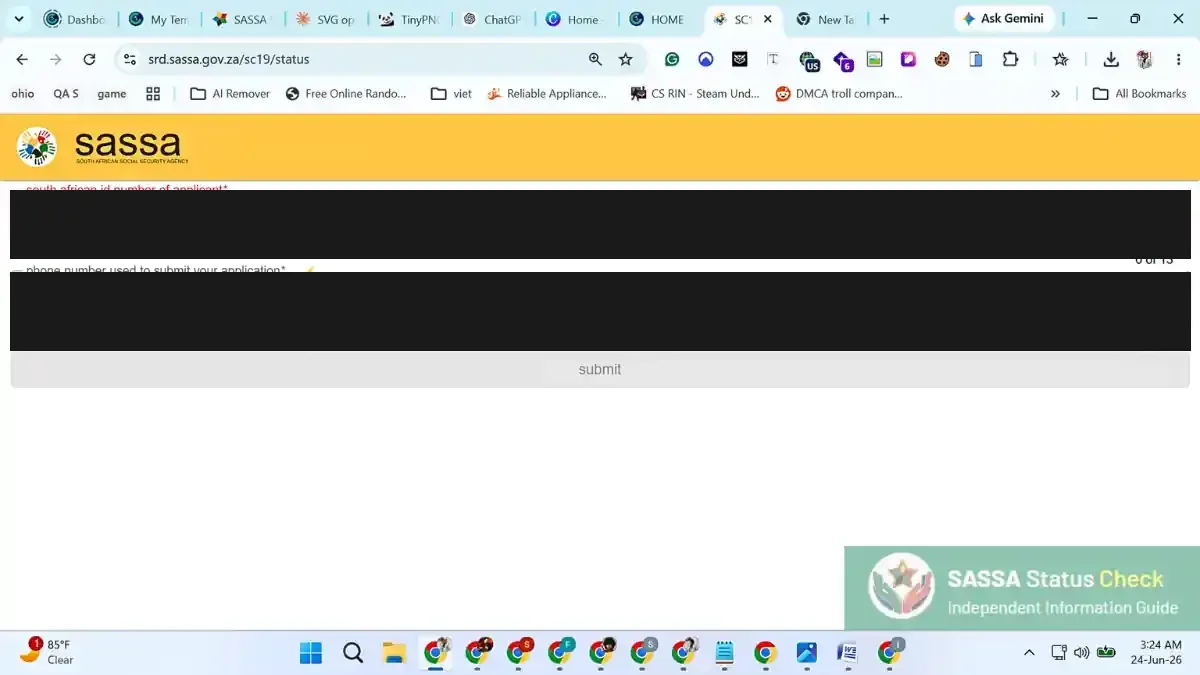
- Enter your South African ID number (13 digits).
- Enter the cellphone number you used when you applied.
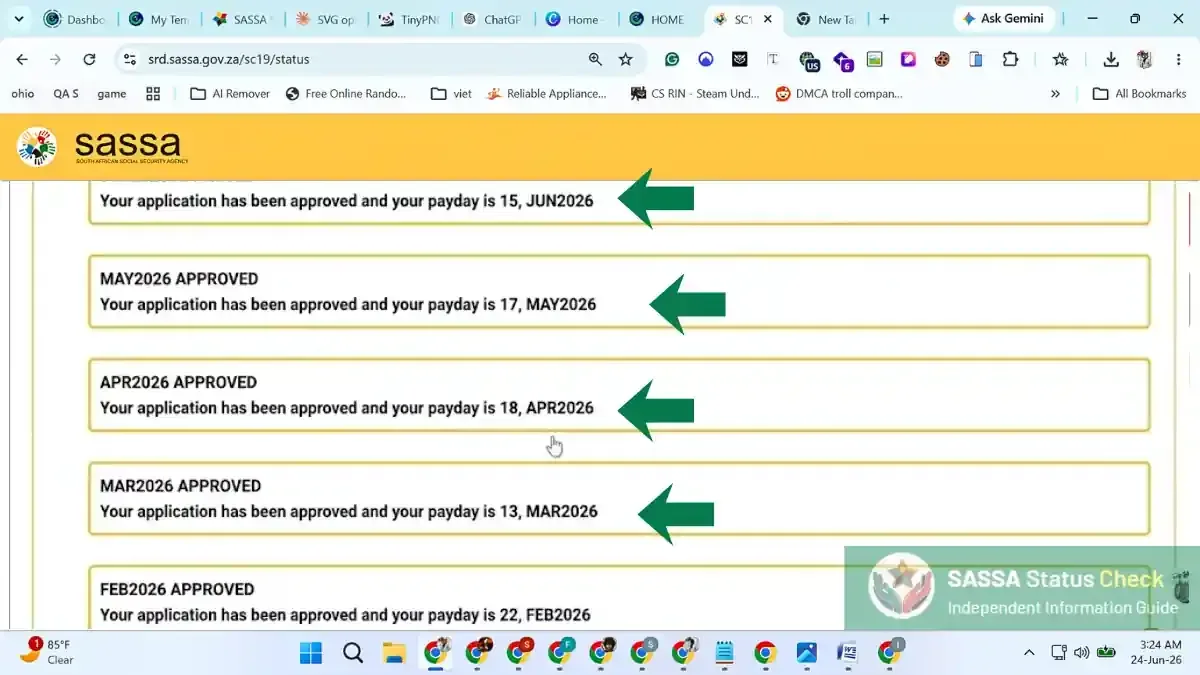
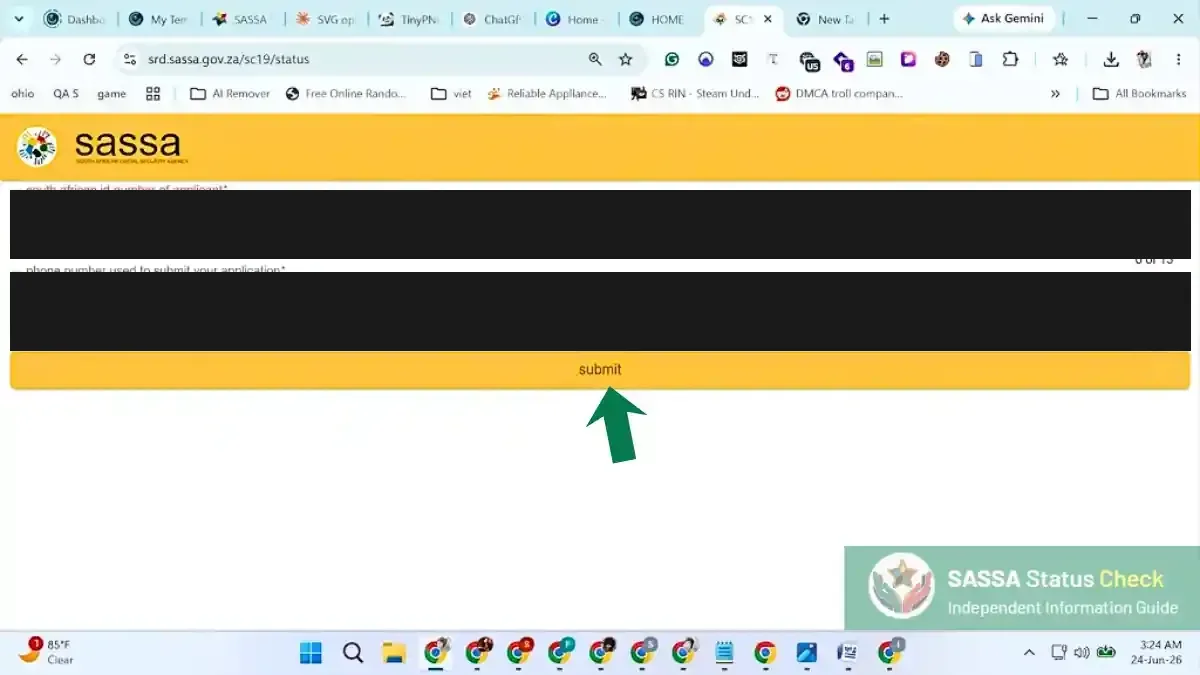
- Submit and view your results. Each month is shown with its own outcome.
Official SASSA web addresses always end in sassa.gov.za. A status checker on a “.netlify.app”, “.co.za” or other address is not a SASSA service, however official it looks. Read more in SASSA status check SRD netlify app and how to spot fake SRD payment date pages.
For a quick guide focused only on SRD approvals, see SASSA SRD status check and payment approval.
How to Check SASSA Status Using Your ID Number
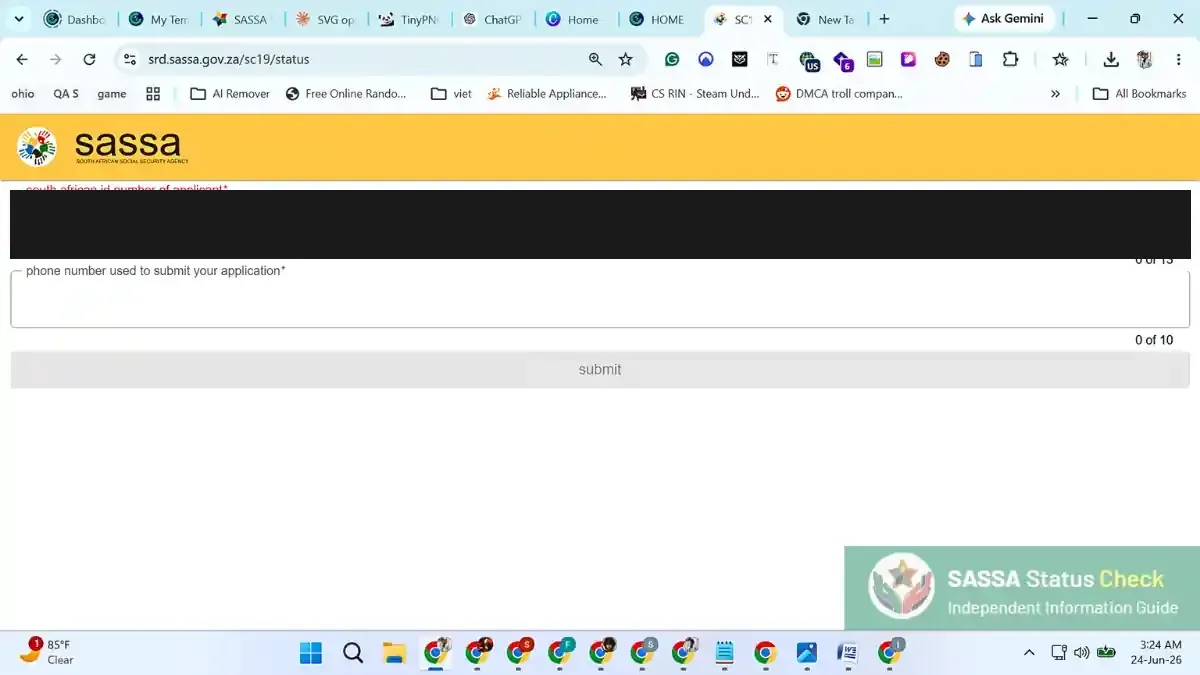
Your ID number is the main key to your SASSA record. On the SRD website, you need it together with the phone number you applied with. You cannot check SRD status with your ID number alone.
For permanent grants, such as the Older Persons Grant, Disability Grant or Child Support Grant, you can give your ID number when you:
- Call SASSA on 0800 60 10 11.
- Email [email protected].
- Visit a SASSA office with your ID and your application receipt.
Pensioners and their families can find more detail in our SASSA pension status check guide.
Keep your ID number private. Only enter it on official SASSA channels, and only check someone else’s status with their permission.
How to Check SASSA Status Using Your Phone Number
Your cellphone number works with your ID number in three ways.
On the SRD website
Enter the number you applied with, alongside your ID number. If you enter a different number, the check may fail. SASSA may also send a one-time PIN (OTP) to this number. Never share that OTP with anyone.
On WhatsApp
SASSA’s WhatsApp self-service number is 082 601 0111. Save it in your contacts, send “Hi” and follow the menu. You may be asked for your ID number and to confirm your identity with an OTP. The chatbot can also tell you whether your grant is under review. See SASSA WhatsApp review status check.
By phone call
Call the SASSA toll-free line on 0800 60 10 11 from any phone. Have your ID number ready.
SASSA Status Check Results and Their Meanings
| Status | What it means | What to do |
|---|---|---|
| Approved, with a pay date | You qualify for that month and payment is scheduled | Wait for the date. Allow a few business days for it to reflect |
| Approved, no pay date | You qualify, but payment is not scheduled yet | SASSA Approved but no pay date |
| Pending | SASSA has not finished checking that month | What SASSA pending means |
| Declined | You did not meet a requirement that month | What SASSA declined means |
| Referred | Your application needs extra checks, often identity | What SASSA referred means |
| Cancelled | The whole application has stopped | What SASSA cancelled means |
| Reapplication required | SASSA needs you to apply again | SASSA Reapplication required meaning |
| Review required | A permanent grant must be reviewed | SASSA Review required meaning |
| Failed (identity, bank or payment) | One of SASSA’s checks did not succeed | What SASSA failed means |
| Banking details pending | Your bank account is still being verified | SASSA Banking details pending |
Common decline reasons have their own guides, including SASSA UIF registered, NSFAS registered and alternative income source.
How to Check SASSA Payment Status
SRD payments
When your month is approved, the status page shows your pay date. There is no single national SRD pay date, so each person’s date appears on their own status page. Once paid, the money can take a few business days to reflect in your account.
If your date has passed and you have not been paid, see SASSA approved but payment date passed. If SASSA could not pay you because of your bank details, see SRD payment method failed and payment reversed.
Permanent grant payments
Permanent grants such as the Older Persons Grant, Disability Grant and Child Support Grant are paid on set days each month. Check the current schedule in our SASSA payment dates guide. If a payment is missing, call SASSA on 0800 60 10 11 or ask on WhatsApp at 082 601 0111.
How to Check SASSA SRD R370 Grant Status for Different Months
The SRD grant is decided month by month. When you check your status, the results list each month separately. This is why you can be approved in one month and declined in the next.
To check a specific month:
- Do your status check on srd.sassa.gov.za with your ID and phone number.
- Scroll through the list of months.
- Read the outcome and, if declined, the reason for that month.
- Note any month you think is wrong, because each month must be challenged separately.
The month-by-month approach comes from SASSA’s monthly checks against bank and government records, such as UIF and NSFAS data. See SASSA income verification and SRD eligibility. To keep your application active between months, read about monthly reconfirmation.
Why Is My SASSA Status Check Showing Pending?
“Pending” means SASSA has not finished checking your application for that month. It is normal at the start of a new month, while SASSA runs its checks against other databases.
Common reasons a status stays pending:
- SASSA is still verifying your identity or income.
- Your banking details are being verified.
- You need to complete facial verification after receiving an SMS link.
- There is a delay in SASSA’s monthly processing.
Check again after a few days. If it stays pending for a long time, see our guides on What SASSA pending means and SRD status pending. If you need to complete facial verification, see SASSA biometric verification.
Why Is My SASSA Status Check Declined?
A declined status means SASSA found that you did not meet a requirement for that month. The decline reason is shown next to the month. Common reasons include:
| Decline reason | What it usually means |
|---|---|
| Alternative income source identified | Money coming into your bank account was above the SRD income threshold |
| UIF registered | You appear on UIF records as employed or receiving UIF |
| NSFAS registered | You appear on NSFAS records as receiving student funding |
| Existing SASSA grant | You already receive another grant for yourself |
| Identity verification failed | Your details did not match Home Affairs records |
| Age outside the range | You are under 18 or 60 and older |
A decline is not always final. Read What SASSA declined means and how to fix a declined SASSA status for step-by-step help.
How to Appeal a Declined SASSA SRD Application
If you believe a decline is wrong, there are two steps.
Step 1: Request a reconsideration
A reconsideration asks SASSA to review its own decision. Request it on the SRD website for each declined month. Under the regulations, SASSA must decide within 90 days. See our SASSA reconsideration guide.
Step 2: Appeal to the Independent Tribunal
If SASSA upholds the decline, you can appeal to the Independent Tribunal for Social Assistance Appeals, which falls under the Department of Social Development. You must appeal within 90 days of SASSA’s decision, and each month must be appealed separately. SRD appeals are lodged online on the SRD website.
Read the full process in our SASSA appeal guide, and track it with check SASSA appeal status.
Common SASSA Status Check Problems and Solutions
| Problem | Likely cause | Solution |
|---|---|---|
| “No application found” or the check fails | Wrong ID or phone number entered | Use the exact number you applied with |
| You did not receive the OTP | Old number, weak signal or inactive SIM | Check your SIM, then update your number if needed |
| The website will not load | High traffic or system maintenance | Try again later, outside busy times |
| Status shows a month you were not paid | That month was declined or not yet paid | Read the outcome for that month |
| A website asks for payment to check | It is not SASSA | Leave the site and use srd.sassa.gov.za |
| Your details have changed without your permission | Possible fraud | Call SASSA on 0800 60 10 11 immediately |
Avoid changing your phone number or banking details repeatedly. Each change must be verified again and can delay payment. See how to change banking details with SASSA.
How to Change Your SASSA SRD Phone Number
If you have a new number, lost your phone or entered the wrong number, you need to update it before your status check will work properly.
- Go to srd.sassa.gov.za and choose the option to update your contact details.
- Enter your ID number and, if asked, your application ID.
- Choose the reason for the change.
- Enter your new number. It should be registered (RICA’d) in your own name.
- Confirm with the OTP and complete the facial recognition check. SASSA’s 2026 booklet says number changes need facial recognition.
If you cannot receive the OTP, call SASSA or visit an office with your ID. Full details are in our guide on how to change your SASSA SRD phone number.
How to Contact SASSA for Status Check Assistance
| Channel | Details |
|---|---|
| Toll-free call centre | 0800 60 10 11 |
| WhatsApp self-service | 082 601 0111 |
| [email protected] | |
| SRD website | srd.sassa.gov.za |
| In person | Your nearest SASSA office, with your ID |
If you are unhappy with the help you receive, see how to complain about SASSA service.
FAQs
Is the SASSA status check free?
Can I check my SASSA status without a phone number?
How often should I check my SRD status?
Why does my status change from month to month?
Can I check someone else’s SASSA status?
Do I need to reapply every month?
What should I do if my status says approved but I have not been paid?
Conclusion
A SASSA status check is the quickest way to know where your grant stands. Use only the official SRD website, WhatsApp on 082 601 0111 or the toll-free line on 0800 60 10 11. Read the result for each month, follow the guide for your status, and if a month is declined unfairly, request a reconsideration and then appeal within 90 days. Keep your ID number, phone and OTP safe, and never pay anyone to check your status for you.