SRD Status Check: How to See If Your Payment Is Approved
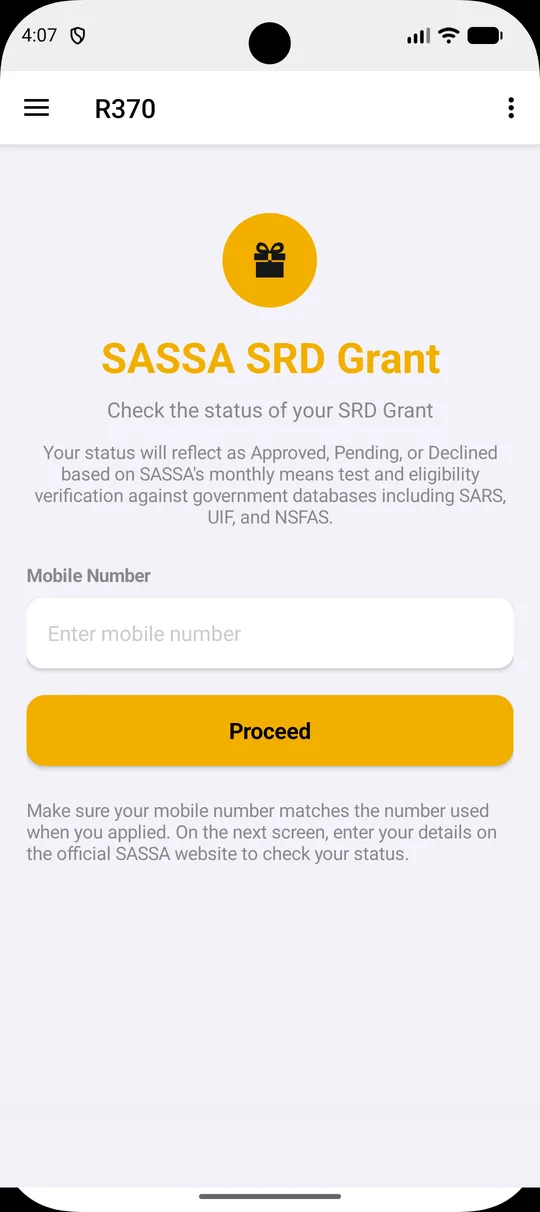
SASSA Status CheckEnter the mobile number you applied with and we walk you through the official SASSA status check, step by step.
Every month, SASSA decides whether your R370 SRD grant is approved, declined or still pending. The status check tells you which, and if approved, when you will be paid. This guide shows you how to check your SRD status safely and what each result means.
How to check your SRD status
- Go to the official SRD website. Type the address yourself. SASSA has warned about fake look-alike sites such as srd-sassa.org.za and srdsassagov.co.za.
- Find the status check option.
- Enter your ID number and the cellphone number you used when you applied.
- View your results. The status for each month is shown.
You can also call SASSA on 0800 60 10 11. SASSA’s WhatsApp self-service on 082 601 0111 also offers status checks.
What the statuses mean
| Status | Meaning | Next step |
|---|---|---|
| Approved, with a pay date | You qualify for that month and payment has been scheduled | Wait for the date and allow up to three business days |
| Approved, no pay date | You qualify, but payment has not been scheduled yet | See SASSA SRD approved but no pay date |
| Pending | SASSA has not finished checking that month | See SASSA SRD status pending |
| Declined | You did not meet a requirement that month | See SASSA status declined meaning |
| Referred | Your identity needs further checks | See SASSA status referred meaning |
| Cancelled | The application was cancelled | See SASSA status cancelled meaning |
Why approval is monthly
SASSA checks every applicant every month against bank and government records, including UIF and NSFAS. That is why you can be approved one month and declined the next. See SASSA income verification.
When the money arrives
There is no single national SRD pay date. TechCabal reported in 2026 that each applicant’s date appears on their status page and that payments can take one to three business days to reflect. If the date passes, see SASSA approved but payment date passed.
Stay safe
- Do not use unofficial “status check” pages. See SASSA status check SRD netlify app.
- Never share your one-time PIN with anyone.
- SASSA does not charge to check your status.
Frequently asked questions
How often should I check my SRD status?
Can I check someone else’s status?
Why does my status show months I was not paid?
Do I need to reapply every month?
Final thoughts
The official SRD status check is the quickest way to see whether your payment is approved. Use only the official website, read the status for each month and follow the right guide for your result.